Pare
Keep the moment.
Lose the other eleven.
You took twelve shots to get one smile. Pare finds the best one, and clears the rest from your library.
 Free to try on iPhone, iPad and Mac

Apple Photos finds copies.
Pare finds the moments.
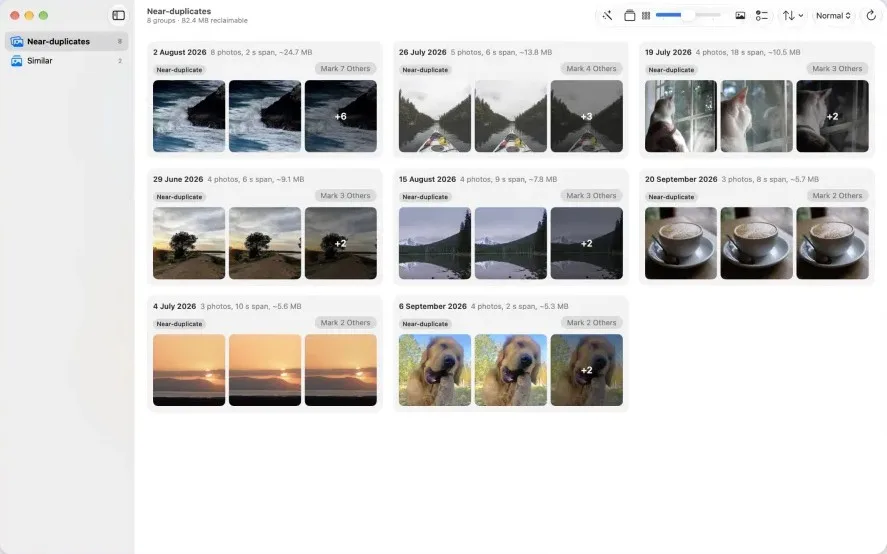
Bursts, retakes, the same sunset from three angles. They are not exact copies, so the Duplicates album leaves them alone. Pare groups them by moment and picks the keeper for you.
-
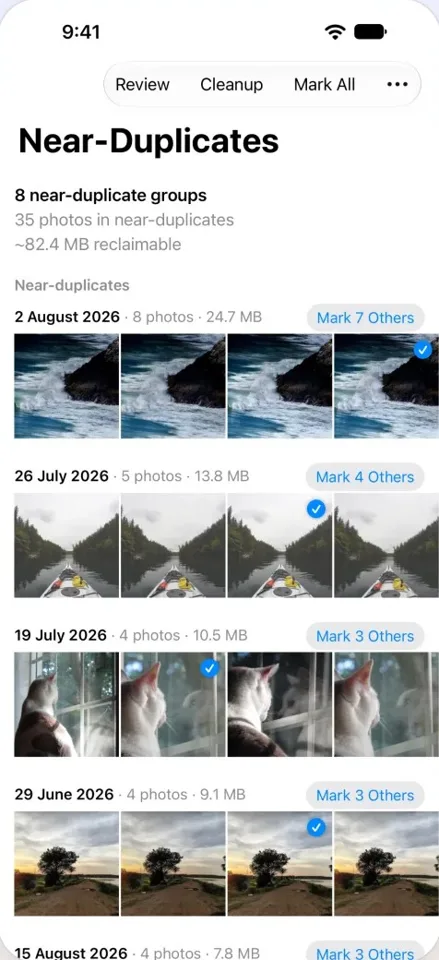
1 · Scan
Every lookalike, found.
Years of bursts and retakes, grouped by moment in one scan.
-
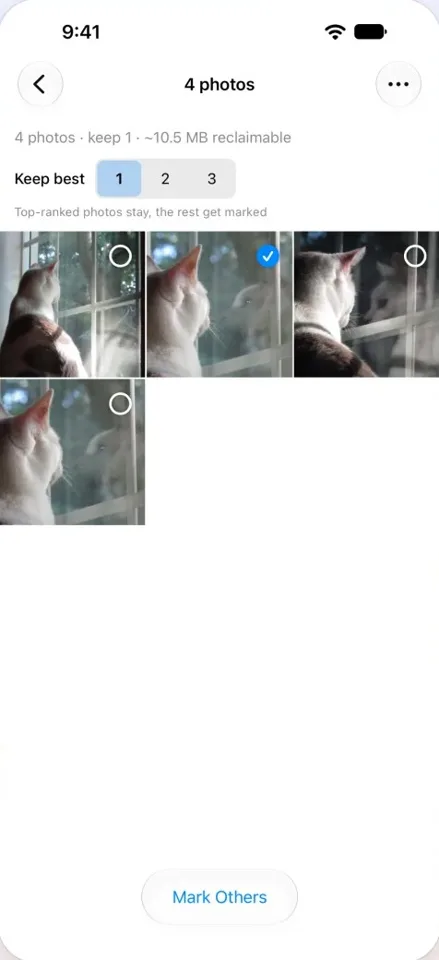
2 · Keep the best
The sharpest smile wins.
Favourites first, then the sharpest shot with the clearest faces. Change it any time.
-
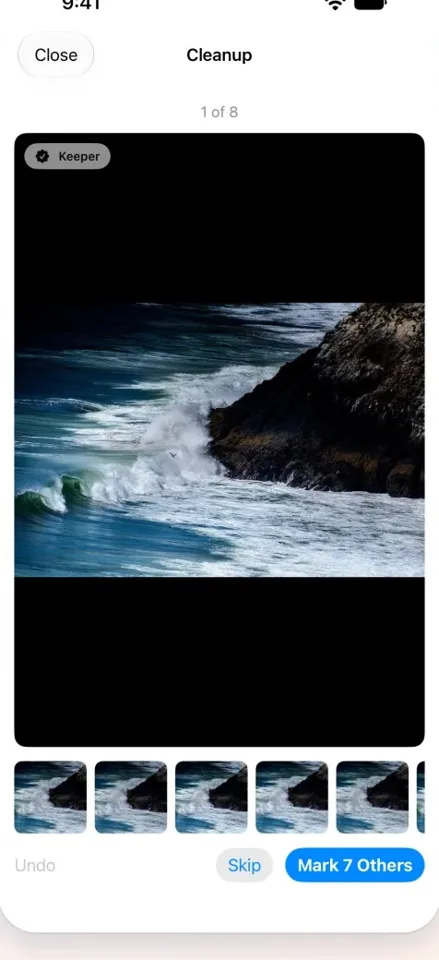
3 · Clean up
One tap. You stay in charge.
The rest goes to a Marked for removal album. Review it, then delete when you are ready.
More room for
new memories.

Find the shot you love. Instantly.
No more scrolling past twelve near-identical frames to reach the one that matters.

Share the best. Skip the blur.
Your library becomes the highlights reel, ready to show anyone.
0
photos deleted without your confirmation.
30 days
in Recently Deleted to change your mind.
100%
on your device. No uploads, no account.
iPhone. iPad. Mac.
One purchase.
Native on every screen, with the same library and the same keepers. Apple Vision Pro runs the iPad app.
Your photos never leave your device.
Pare does all its work on your iPhone, iPad or Mac. It works with iCloud Photos and Optimize Storage, and nothing is deleted until the system asks you to confirm.
Questions
Why doesn't Apple Photos find my similar photos?
The Duplicates album only gathers exact copies. Bursts and retakes are not exact copies. Pare is built for exactly those, and works alongside Duplicates.
Is it safe? Can I undo?
Pare never deletes on its own. You review the Marked for removal album, the system asks you to confirm, and deleted photos stay in Recently Deleted for 30 days.
What's free and what's Premium?
Pare is free to try, with limits on scans and marks shown in the app. Pare Premium removes every limit: monthly, yearly, or a one-time lifetime purchase.
Need help?
Write to pare@reppo.app or visit Support.
Your camera roll,
finally clear.